



Components of a TCP/IP based network
There are many components in a TCP/IP-based network. One easy-to-miss point is that the device you’re using to read this - your laptop, desktop PC, or phone - is also part of the network.
These devices are called endpoints. An endpoint is a device at the edge of a network that sends and receives data. Endpoints are often computers and phones, but they can be many other device types. They typically run an operating system (such as Windows, macOS, Linux, iOS, or Android) and applications that connect to and interact with the network.
From this point on, we’ll refer to a TCP/IP-based network as simply a network, with the understanding that the model in use is the TCP/IP model.
Another endpoint we’ll discuss in more depth later is a server. A server is a computer (often more powerful than a typical desktop) that provides services to other computers, and it often hosts files and data that users need to access.
How endpoints connect to a network
For endpoints to communicate with each other, they need a physical connection to the network. In practice, endpoints connect in one of two ways:
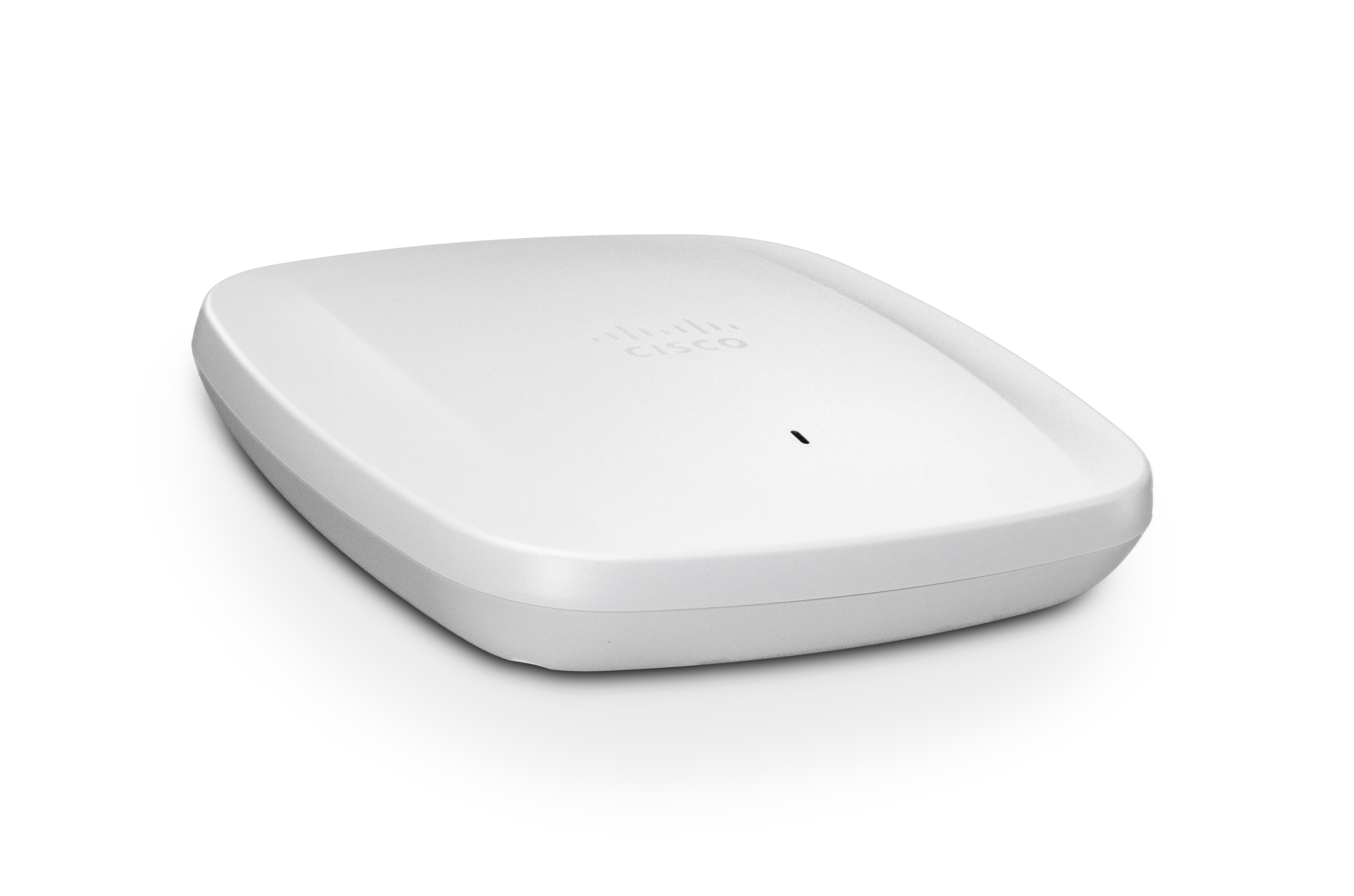
- Wirelessly, through a wireless access point (WAP)
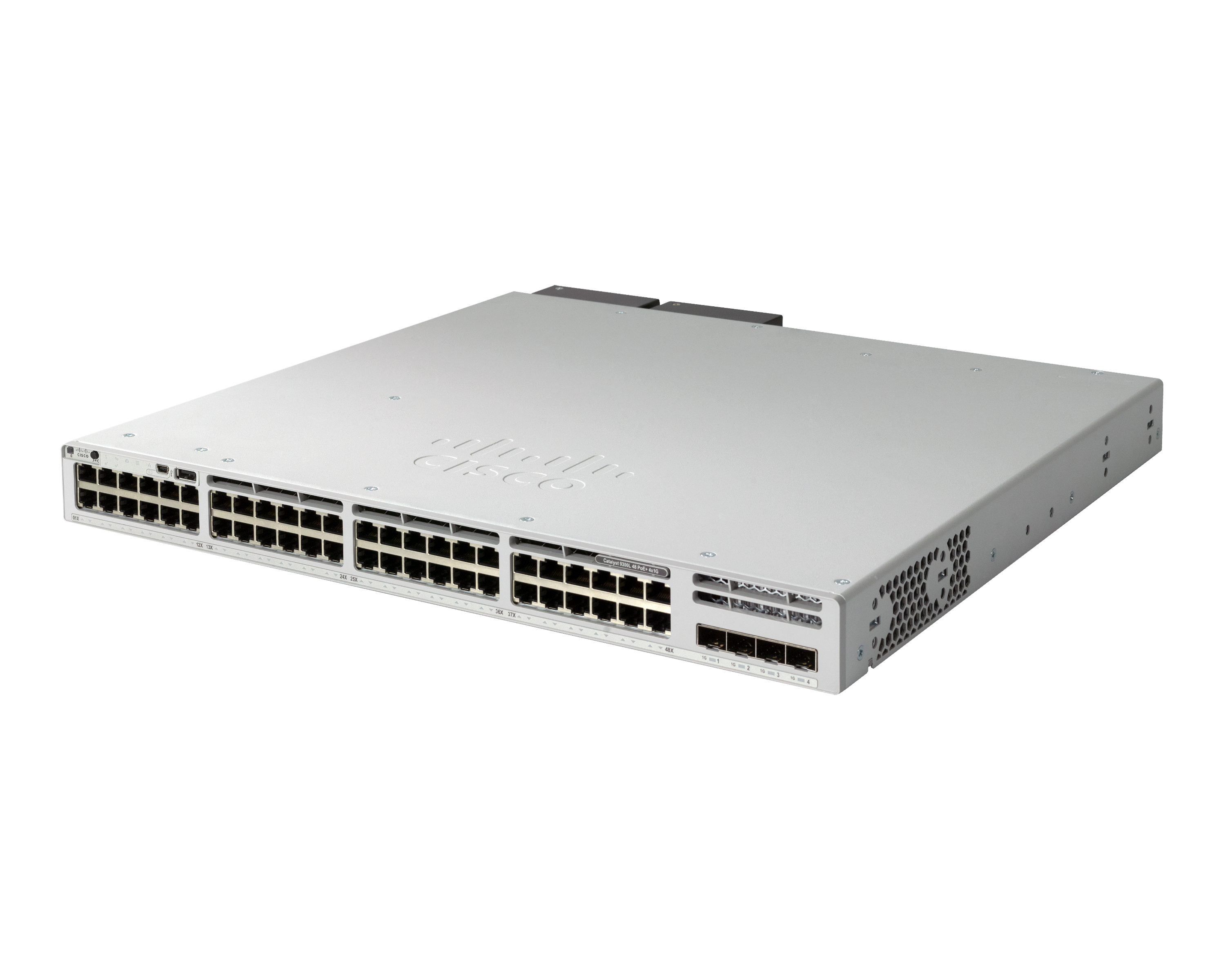
- Wired, by plugging into a switch
Wireless access point
Switch
A LAN is a group of devices connected together in a relatively small to medium-sized area. Common examples include:
- A home network
- A classroom network
- A small office network
In many cases, the devices on a LAN connect to the same switch (wired) or the same wireless network (through a WAP).
Routers
Another main network component is the router. This is the device many people recognize because most homes have one, but it’s worth being clear about what a router does.
A router’s job is to route data from one network to another. For example, routers send and receive traffic between your LAN and the Internet.
To connect the pieces you’ve seen so far:
- An endpoint connects to a switch (or to a WAP).
- The switch (or WAP) connects to a router (although, in larger networks, some WAPs connect to a switch instead of a router).
- The router connects your LAN to other networks (including the Internet).
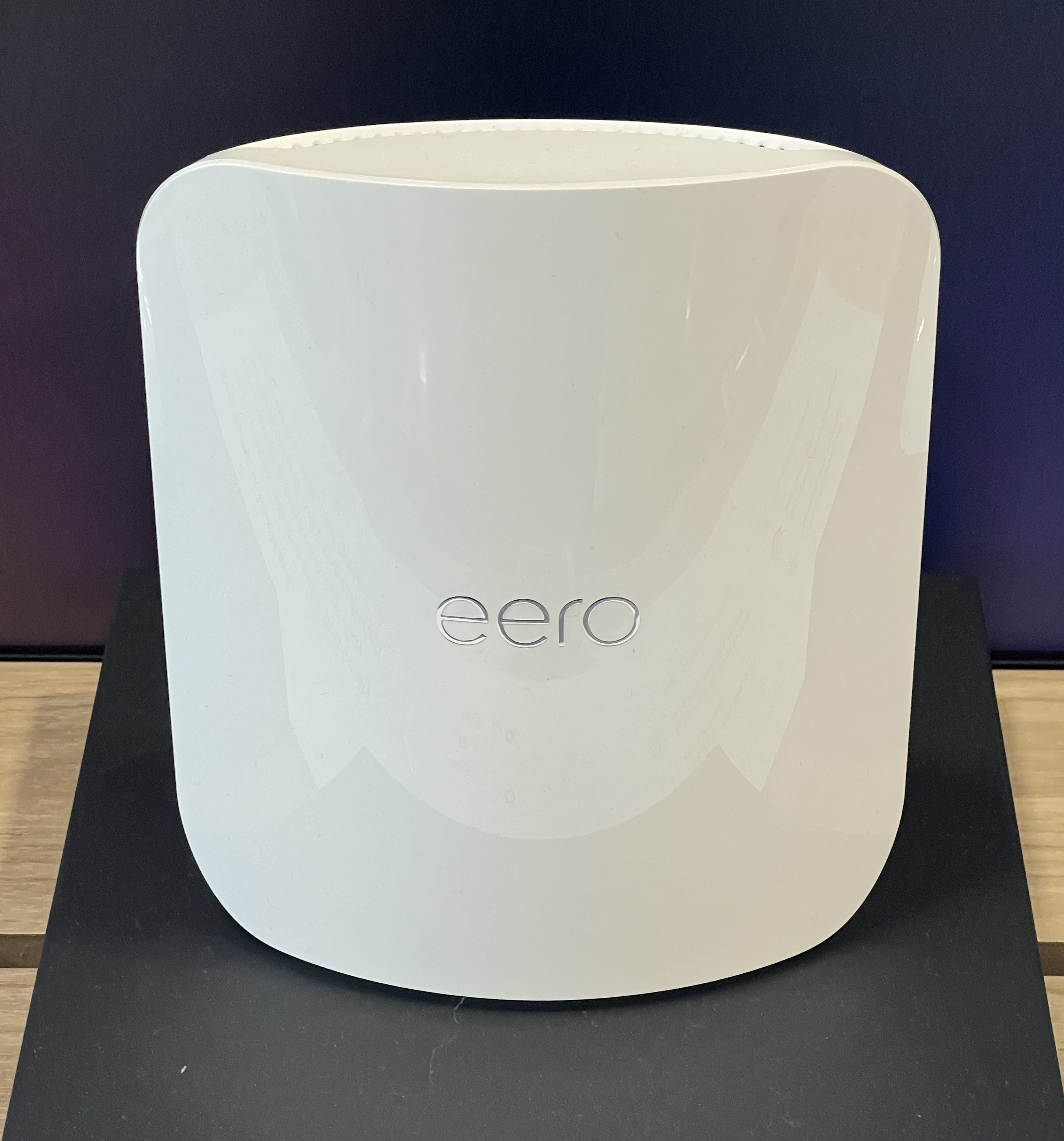
When people picture a router, they often think of something like this:
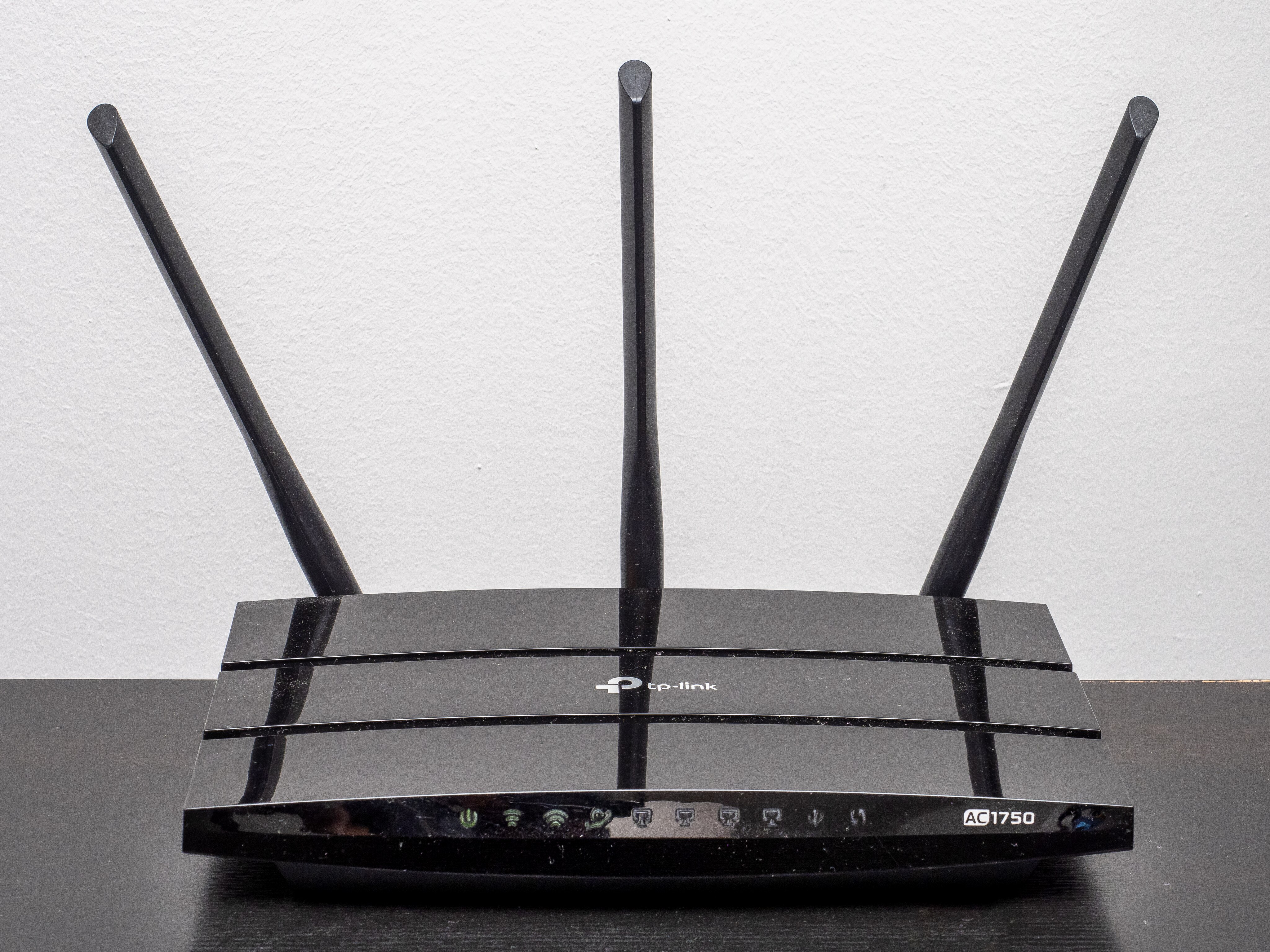
Or perhaps something like this:
Both examples are routers, and they often include built-in switching and wireless features (an “all-in-one” device). You’ll commonly see these in home networks and small office networks.
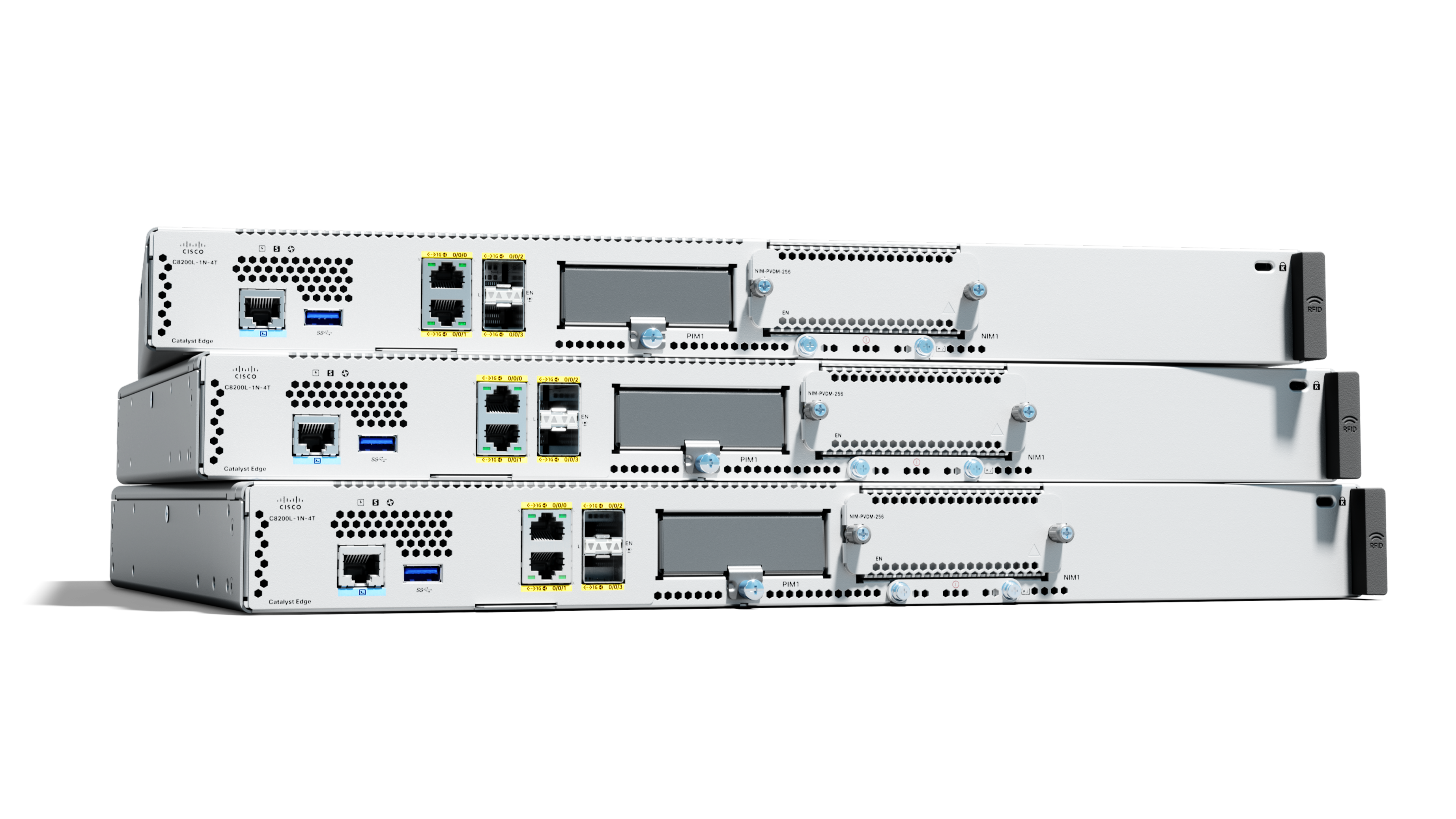
In enterprise networks, routers are often separate, dedicated devices. For example, enterprise-grade Cisco routers may look like this:
Enterprise routers are also commonly used to connect offices that are far apart. In that case, routers connect to each other over a wide area network (WAN).
A WAN is a network that connects devices (usually routers) over a relatively long distance.
Firewalls (and related security features)
Another important network component for the CCNA is the firewall. A firewall helps protect private networks by blocking unauthorized traffic from untrusted networks, such as the Internet.
Some routers include firewall capabilities as well. If you play online games or host files at home (for example, on a Network Attached Storage (NAS) device), you may have already encountered firewall features on a home router - or you may use a dedicated firewall.
Summary
Now that you’ve seen the main components of a network - endpoints, switches, wireless access points, routers, and firewalls - next we’ll look at how these pieces fit together so users can communicate across networks around the world.